

For bookkeeping firms that serve churches
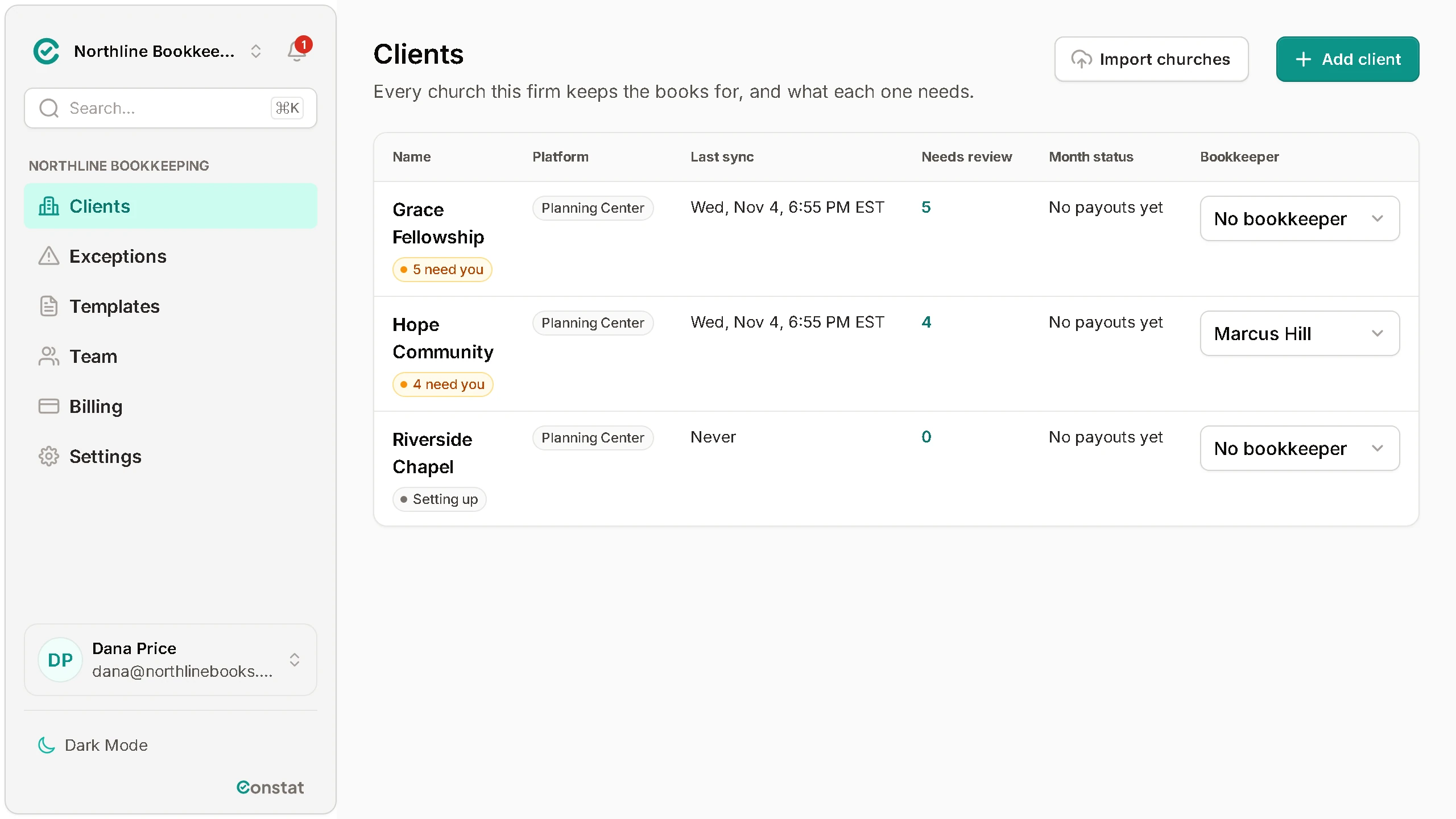
Every client church's Planning Center payouts in QuickBooks, from one screen
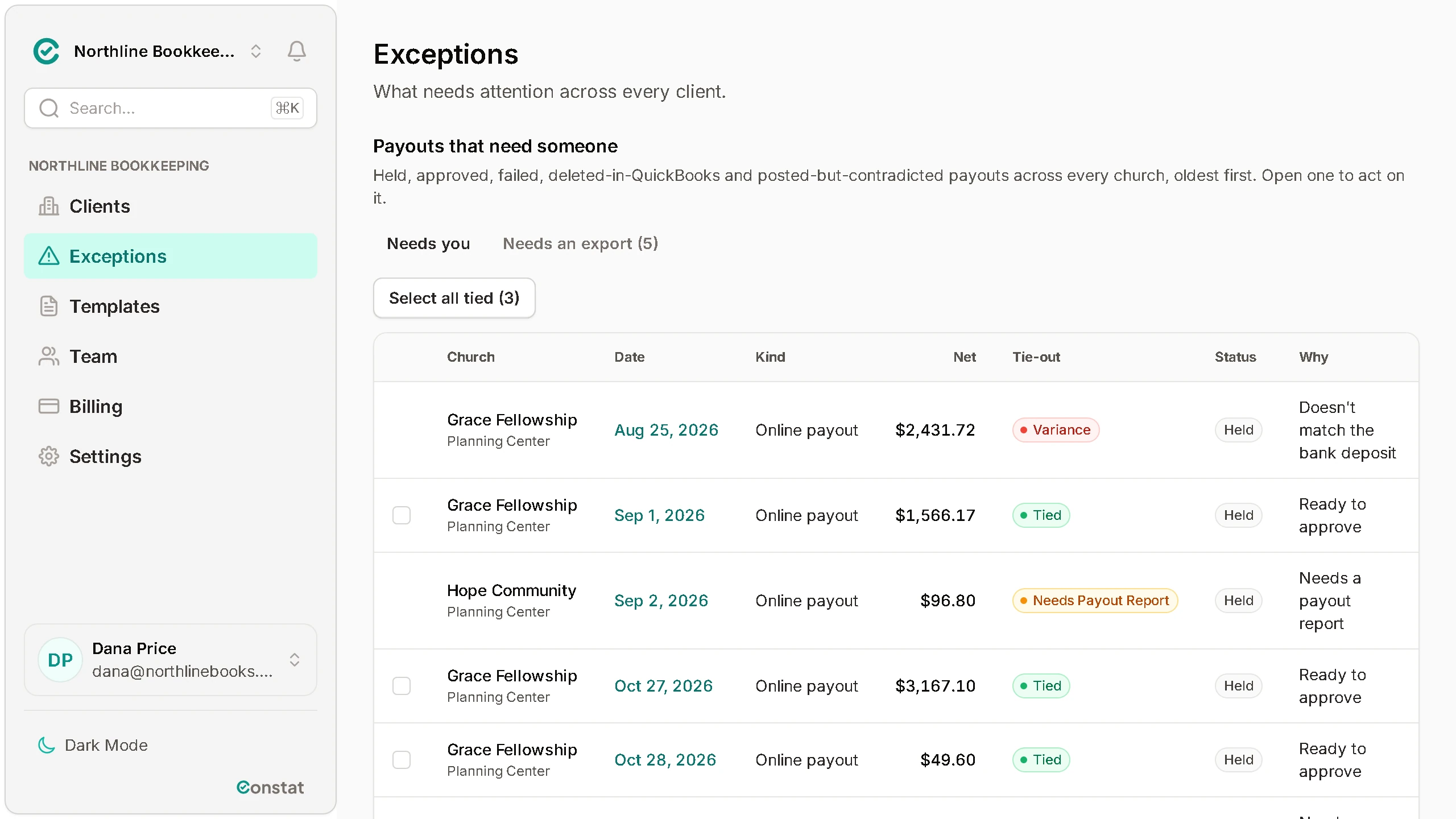
One Exceptions page shows what needs you at every client church. Before a payout can post, it is checked to the penny against its payout report, or against the deposit amount you enter from your bank statement, and nothing posts until someone with approver access approves it, or under an auto-post rule an approver turned on.
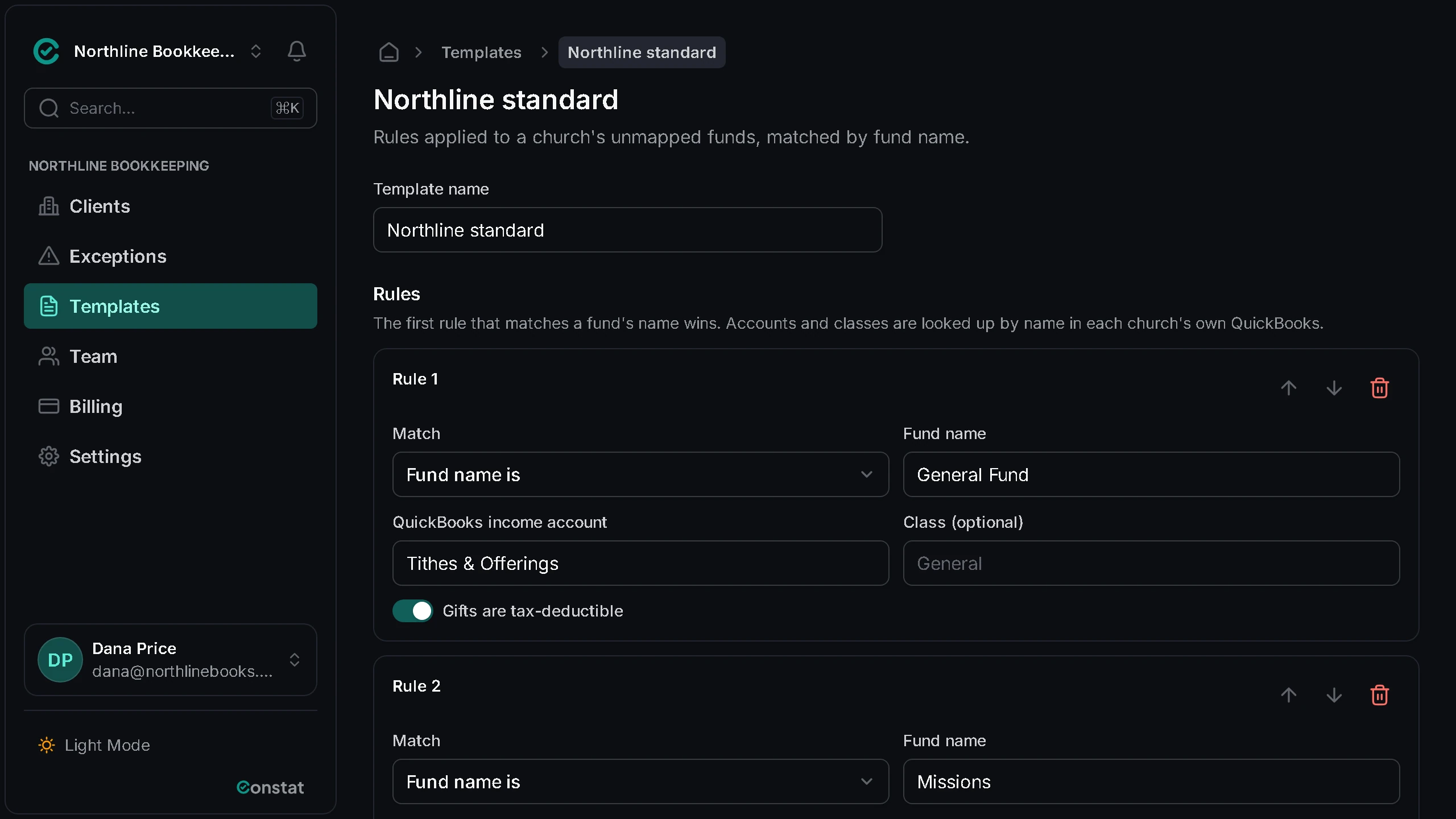
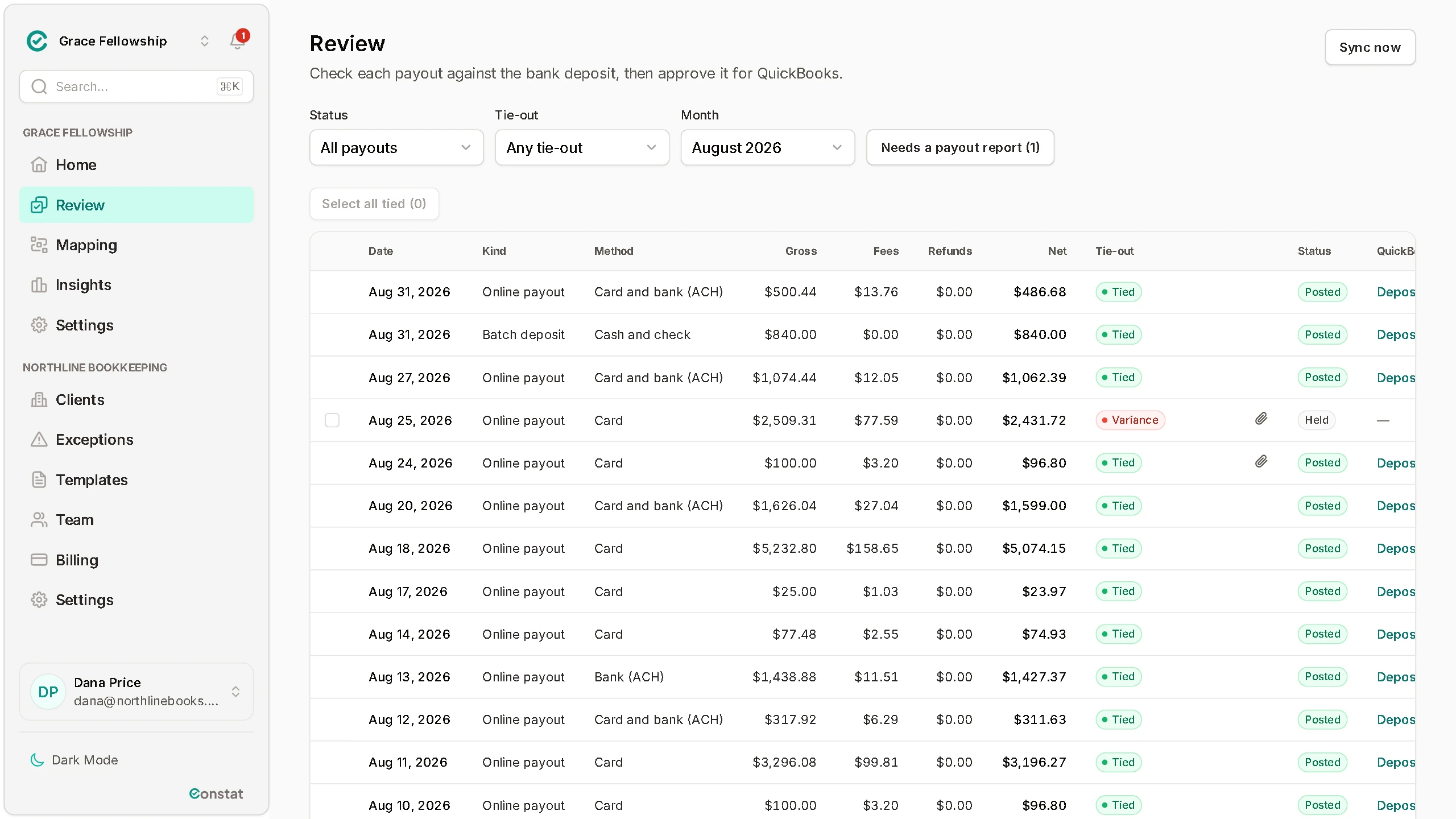
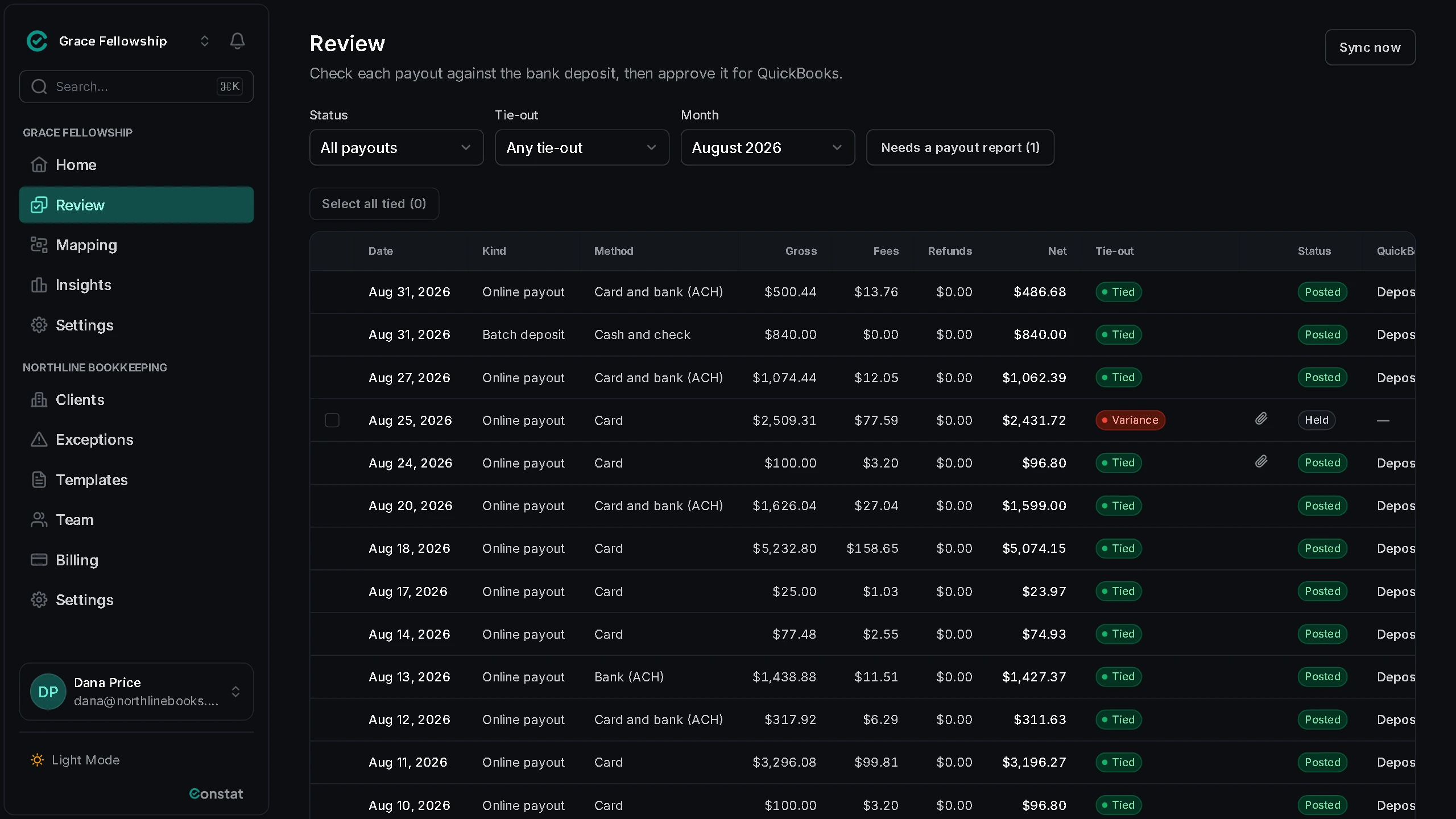
Works with
Planning Center Giving to QuickBooks Online.
Exceptions
Every client church's exceptions on one screen
Stop opening each church to find out what needs you.
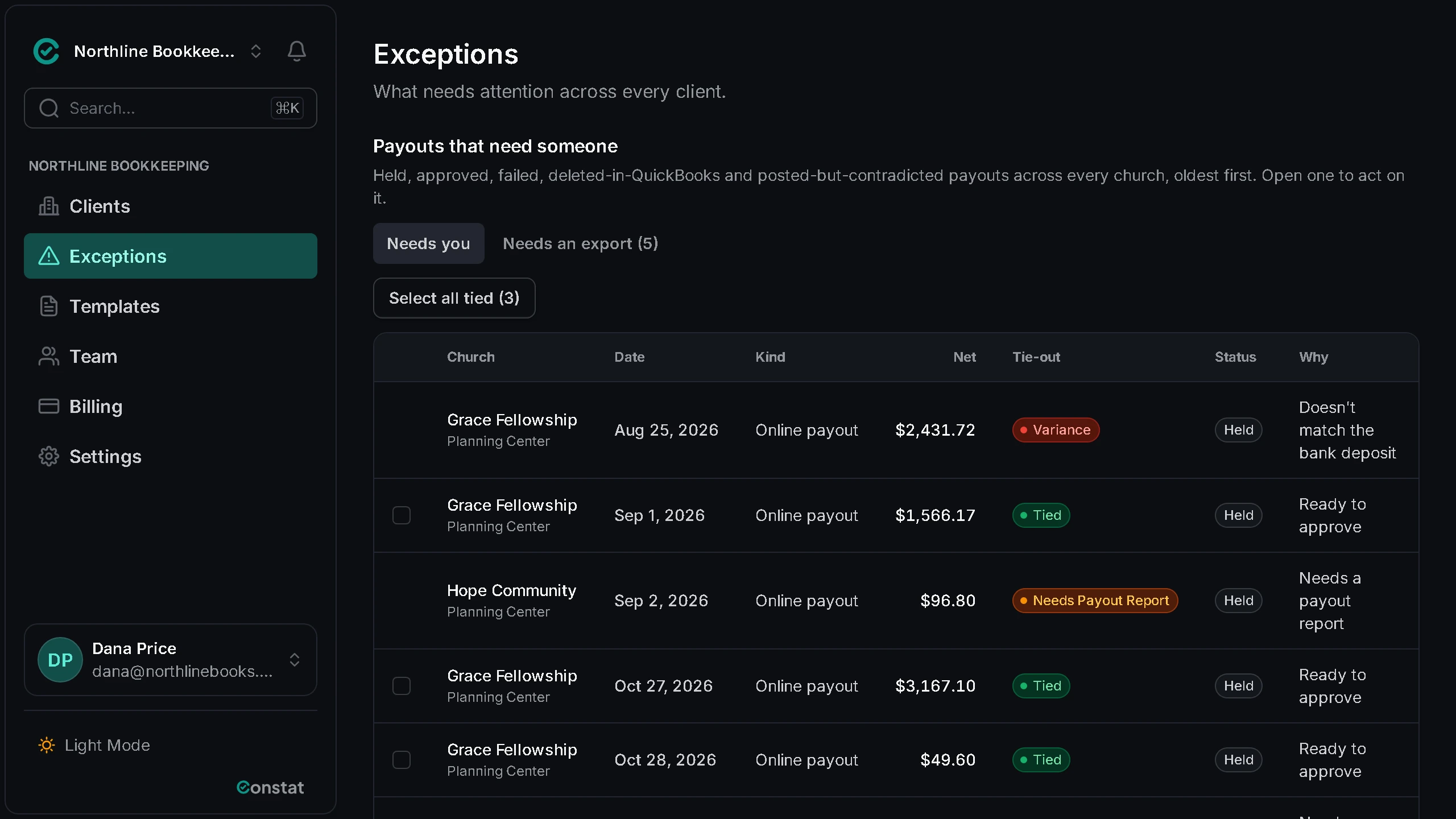
- Every held payout at every client church on one page, oldest first, with its church, date, net amount and the reason it is held.
- A payout ties only when it checks out to the penny against its payout report, or against the deposit amount you enter from your bank statement. One that does not is marked Variance and held.
- A payout still waiting on its payout report says so, beside the tied ones that are ready to approve.
- Tick the tied rows and approve them together, at every church where you have approver access.
Templates and import
Set up each new client church from work you have already done
Map funds once in a template, match an export from a platform on the Integrations page column by column, and bring your client list in from a spreadsheet.
Mapping templates
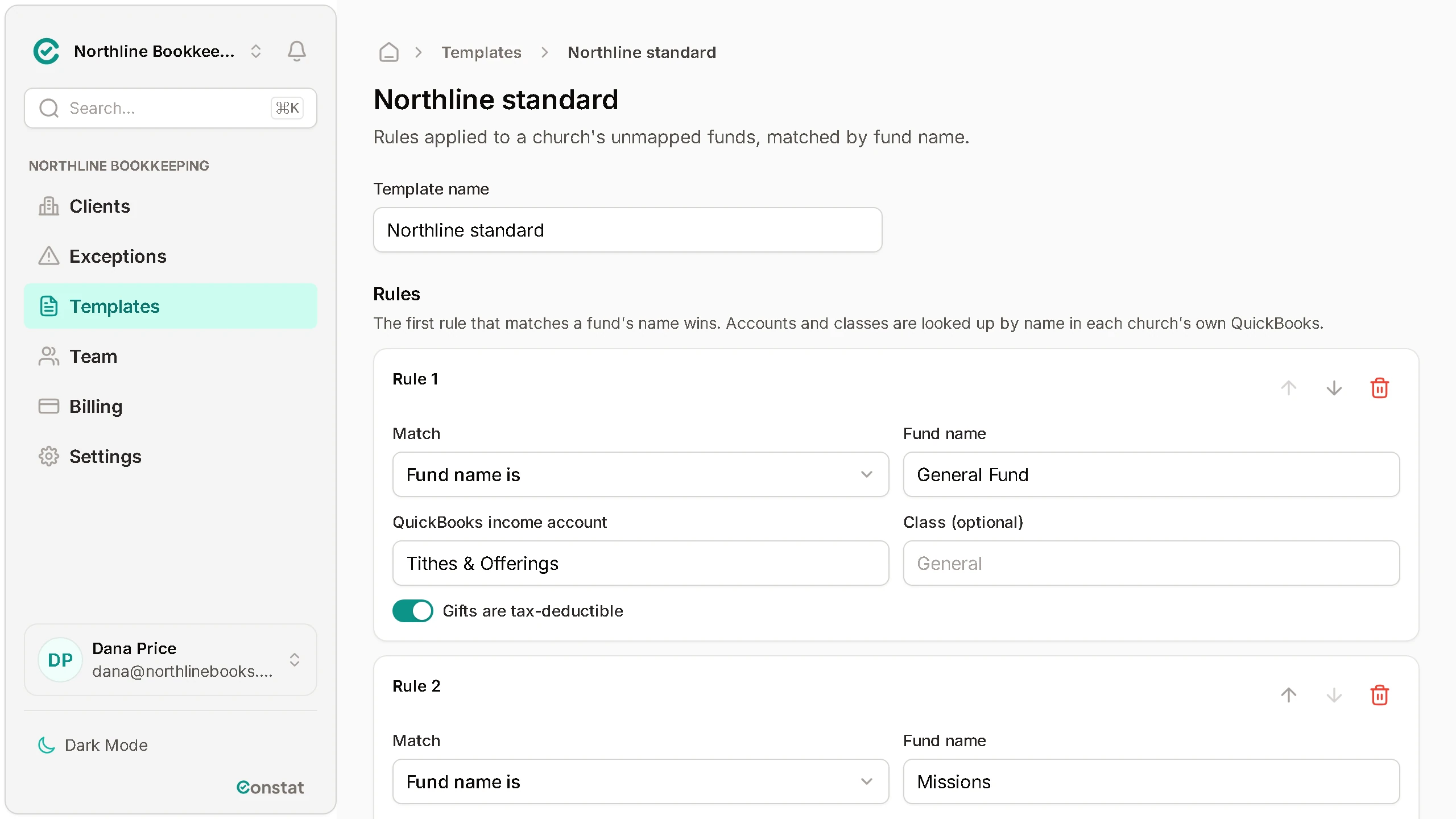
Write a template once: rules that match a fund by its name and send it to a QuickBooks income account. Applied to a client church, it fills the unmapped funds, looking each account up in that church's own QuickBooks.
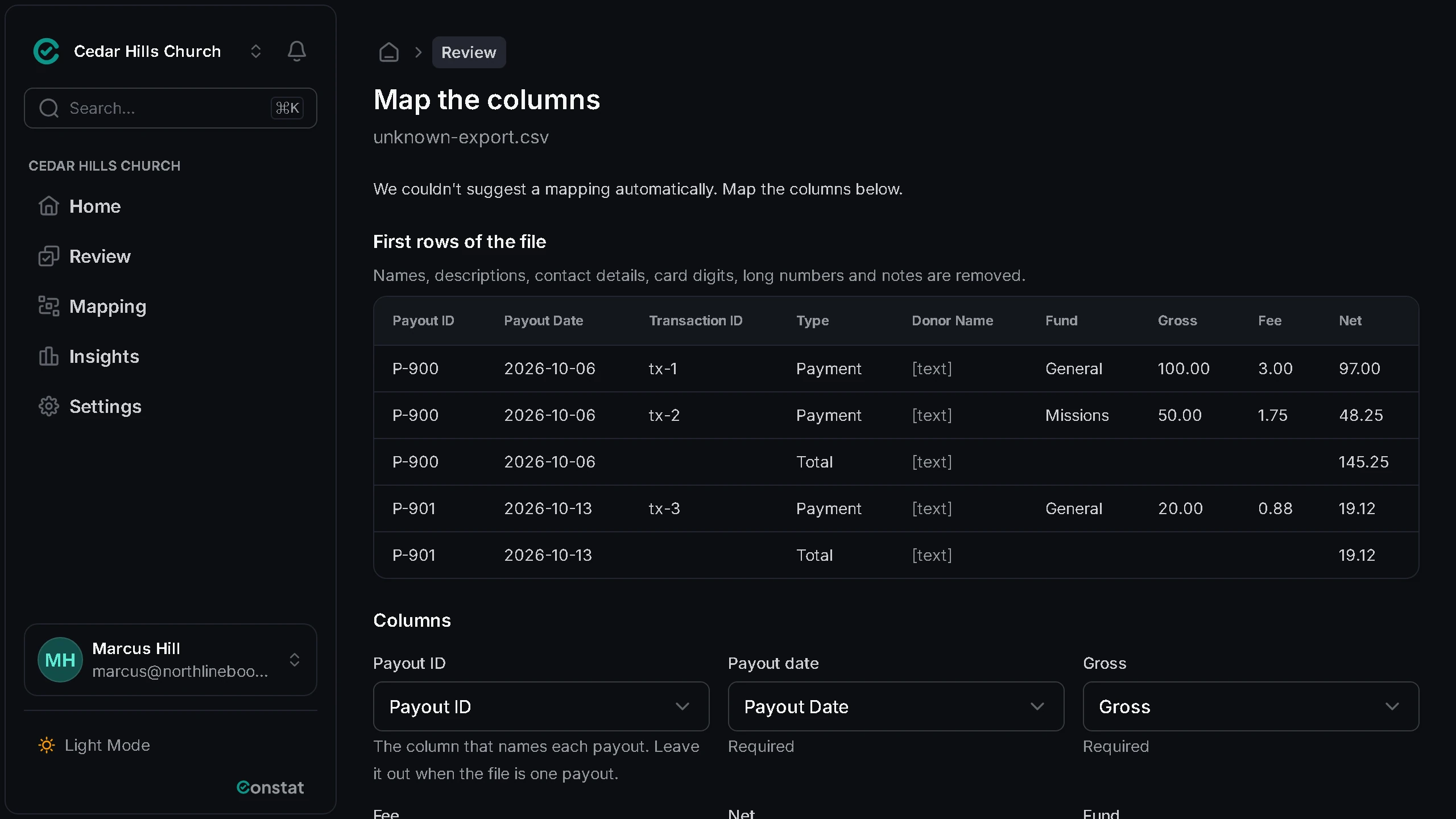
Giving exports, mapped by column
For a client church that gives through Subsplash, Givebutter, Bloomerang or Stripe, an export it sends is matched to what Constat reads, column by column, with names and card digits removed. We tie out its first export with you.
See the platforms on the Integrations page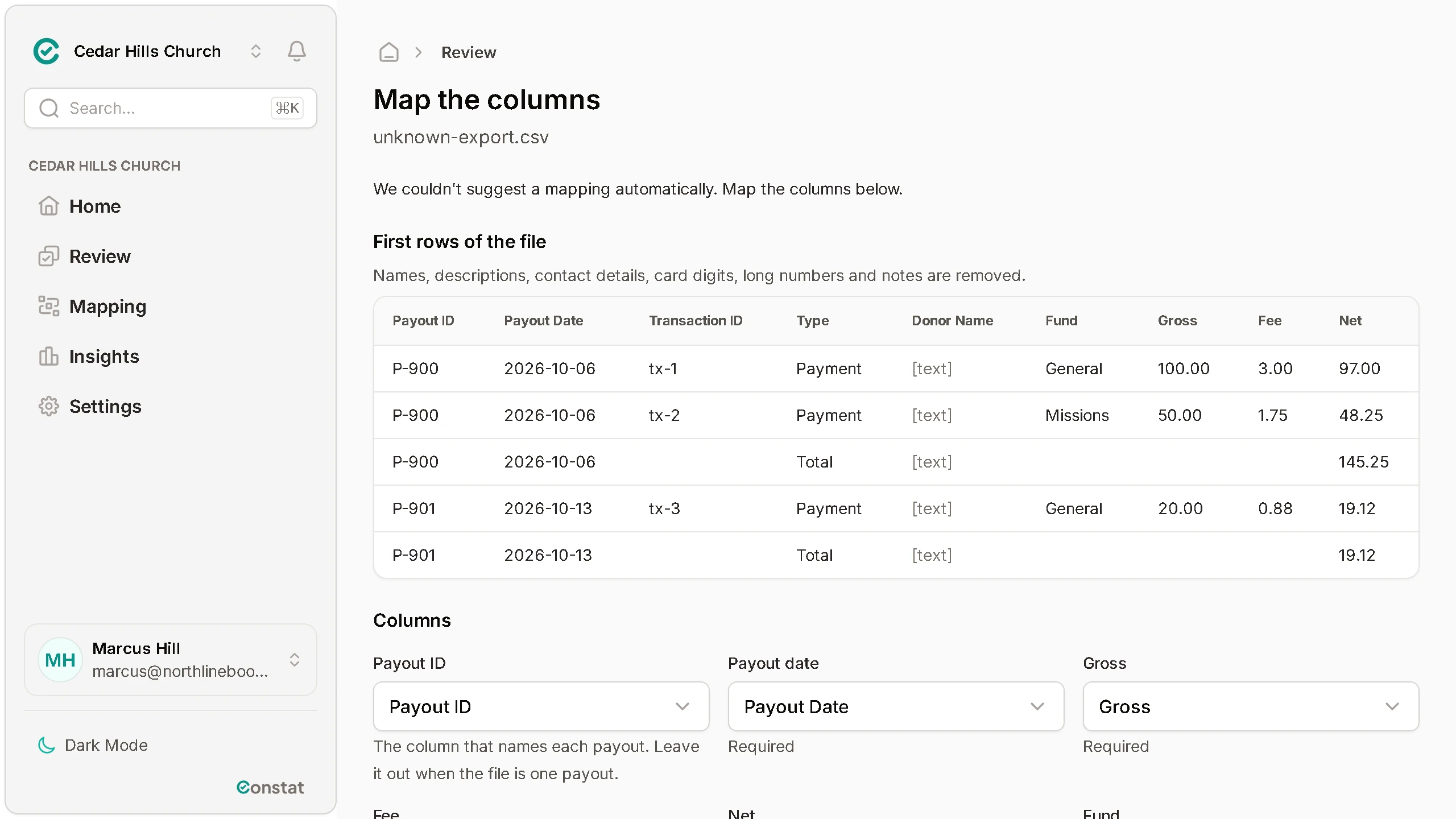
Bulk import
Upload a CSV of churches and contacts. A preview checks every row before anything is created; then each church is added and its contact is invited to connect the church's own Planning Center and QuickBooks, so you never hold a church's passwords. Importing the same file again never adds a church twice.
Pricing
Simple per-church pricing
30 days free, no card. Nothing is charged until you add a payment method and your trial ends.
Church
For a church that keeps its own books.
$29per church, per month
- One Planning Center account and one QuickBooks company
- One QuickBooks deposit per payout, lines by fund
- A sync report by email
Bookkeeping firm
For a firm that keeps the books for many churches, with every client church in one place.
$15per church, per month
$12 from 25 churches, $9 from 100. 5-church minimum, $75 a month.
- Everything in Church, for each client church
- Invite each church to connect its own Planning Center and QuickBooks
- Staff access as owner, approver, reviewer or viewer
Every plan includes
- Nightly sync from Planning Center
- Tie-out on every payout
- Approval before anything posts
- Posting to QuickBooks Online
- The month-end reconciliation report
- Email support
Founding pilot: the first 10 firms or churches get 90 days free and a direct line to the founder.
Every account gets the 30-day trial. The pilot is a separate, longer offer for the first 10 firms or churches.
Ask about the pilotPartner program
Refer the churches you work with
Every firm account has its own referral link.
- Step 1
Copy your link
As the firm's owner, open your firm account and find your referral link in Settings › General. Copy it from there and keep it handy; referrals through it are recorded for your firm.
- Step 2
Share it with a church
Send it to a church you work with, or put it on your firm's website. The link opens the page for firms, and from there the church can create its own account.
- Step 3
We record the referral
When someone opens your link and creates an account in the same browser within 30 days, that account is recorded as referred by your firm.
Get started
See every client church's payouts in one place
Create a firm account, add your client churches one at a time or from a spreadsheet, and invite each one to connect its own Planning Center and QuickBooks. 30 days free, no card.