

Subsplash
Subsplash payouts in QuickBooks, checked against the total before anything posts
How it works
From a Subsplash export to a QuickBooks deposit
The export
Transactions export
Cadence: With each transfer, usually weekly.
What it carries
- Transaction id
- Transfer id and transfer date
- Fee amount, with fees covered shown separately
- Refunds as Balance Adjustment rows
How it ties out
Checked to the cent before it can post
When the export, or the summary file that goes with it, states a total, the payout must match that total to the cent.
When no total is stated, the approver enters the deposit amount from the bank statement, and the payout must match it to the cent.
Nothing posts until an approver says yes, or under an auto-post rule an approver turned on.
Getting the file to us
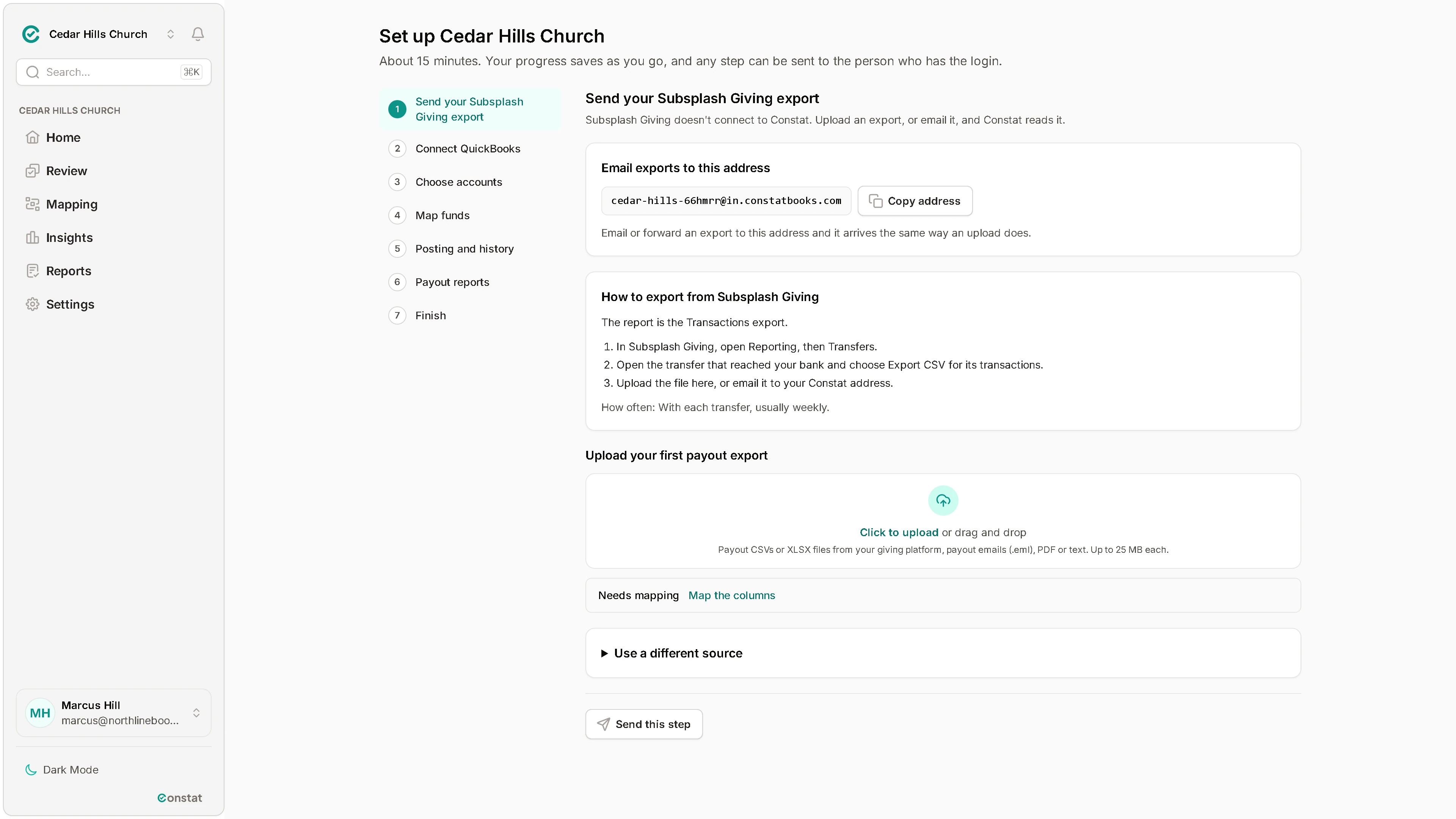
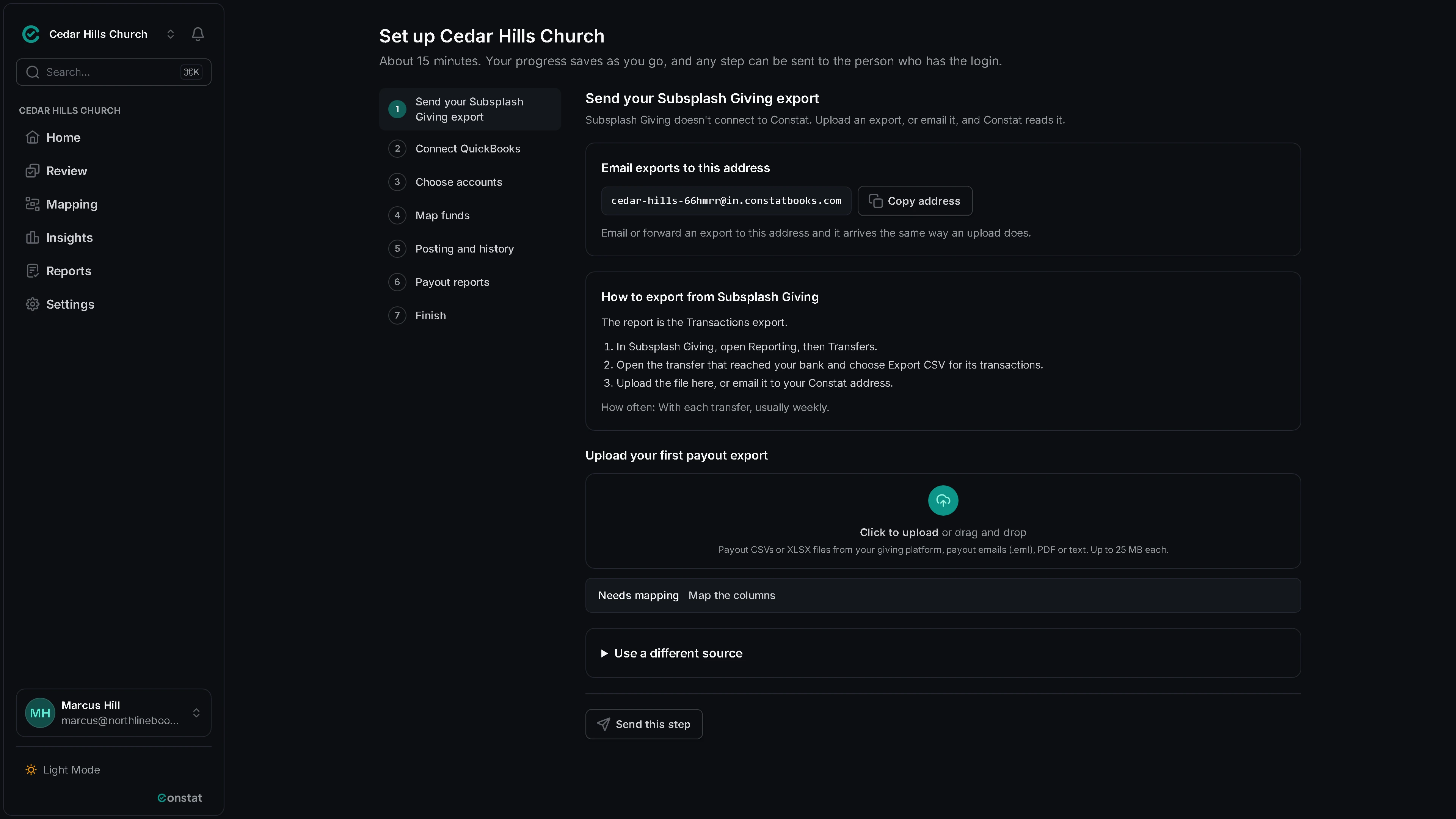
Export it from Subsplash
- In Subsplash Giving, open Reporting, then Transfers.
- Open the transfer that reached your bank and choose Export CSV for its transactions.
- Upload the file here, or email it to your Constat address.
FAQ
Questions people ask
Pricing
Simple per-church pricing
30 days free, no card. Nothing is charged until you add a payment method and your trial ends.
Church
For a church that keeps its own books.
$29per church, per month
- One Planning Center account and one QuickBooks company
- One QuickBooks deposit per payout, lines by fund
- A sync report by email
Bookkeeping firm
For a firm that keeps the books for many churches, with every client church in one place.
$15per church, per month
$12 from 25 churches, $9 from 100. 5-church minimum, $75 a month.
- Everything in Church, for each client church
- Invite each church to connect its own Planning Center and QuickBooks
- Staff access as owner, approver, reviewer or viewer
Every plan includes
- Nightly sync from Planning Center
- Tie-out on every payout
- Approval before anything posts
- Posting to QuickBooks Online
- The month-end reconciliation report
- Email support
Founding pilot: the first 10 firms or churches get 90 days free and a direct line to the founder.
Every account gets the 30-day trial. The pilot is a separate, longer offer for the first 10 firms or churches.
Ask about the pilotGet started
See your next payout tie out before it posts
Connect QuickBooks, send your first Subsplash export and map your funds. We tie out that first export with you. 30 days free, no card.